ByJohn A
How Hardware Wallets Protect Cryptocurrency
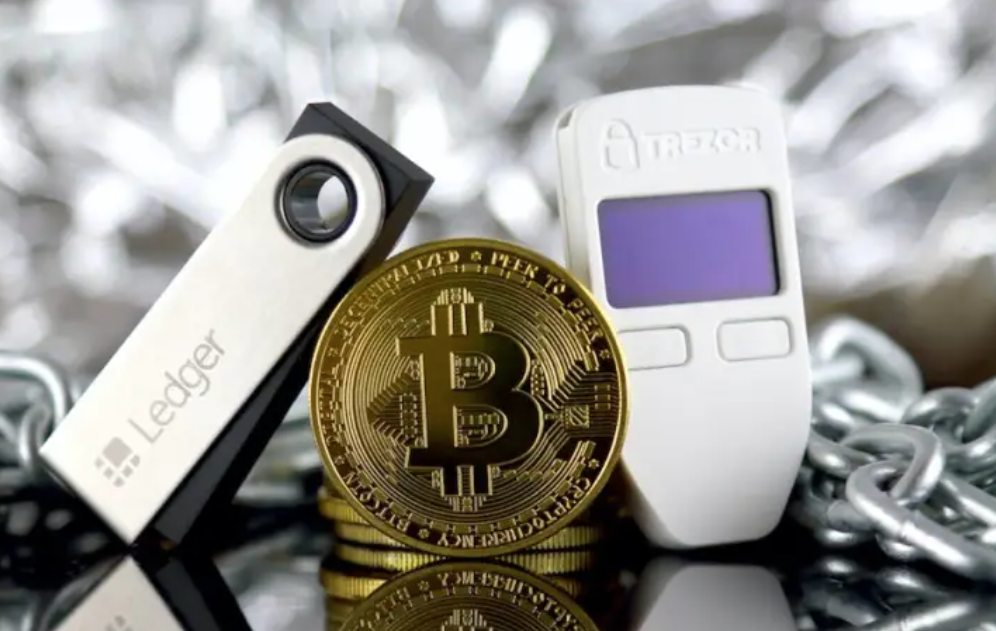
Hardware wallets keep private keys offline, separated from potentially compromised devices. They use secure elements and isolated environments to sign transactions inside the device. Keys never leave the hardware, reducing exposure to malware and phishing. Firmware is verifiable, and provenance matters, guarding against tampering. These features form a strict security boundary, though trade-offs exist in usability and backup. The discussion proceeds with practical setup, backup strategies, and how to choose a model aligned with risk tolerance.
How Hardware Wallets Work: Securing Keys Offline
Hardware wallets keep private keys offline, isolating them from internet-connected devices to minimize exposure to online threats.
In operation, secure elements enforce strict security models, preventing key extraction even under physical access.
Transactions initiate on a connected host, then sign within the device.
Focused on resilience, the design considers supply chain integrity as essential to trusted functionality.
See also: Understanding the Role of Cloud-Based Software
Why Hardware Wallets Shield You From Attacks
Cryptographic keys remain isolated from online devices, so hardware wallets shield users from common attack vectors that target connected environments. They curb exposure through offline signing, ensuring transactions are authorized without live network access. This approach counters security myths, strengthens phishing resilience, and emphasizes device provenance, building trust in ownership while reducing risk from malware and remote exploits.
Choosing the Right Hardware Wallet for Your Needs
Choosing the right hardware wallet requires a clear assessment of security needs, asset mix, and usability priorities. The selection should compare privacy features, wallet compatibility, firmware update cadence, and supported protocols. Consider price considerations alongside build quality and vendor transparency. A methodical evaluation reduces risk, aligning device resilience with personal freedom while avoiding unsupported coins, questionable ecosystems, and ambiguous warranty terms.
Using a Hardware Wallet: Setup, Backup, and Best Practices
How should users approach the practical steps of operating a hardware wallet to maximize security? Setup should be offline, verified, and documented, with device firmware checked against official sources. Backup via seed phrase safety, stored separately and securely. Maintain routine security audits, minimize recovery attempts, and enable passphrase features where available. Practice disciplined usage, restore tests, and resist phishing and tampering risks. Continuous vigilance ensures freedom within limits.
Frequently Asked Questions
Can Hardware Wallets Be Hacked Through Supply Chain Attacks?
Supply chain attacks pose risk, but hardware wallets mitigate with firmware verification and tamper-evident components; attackers face detection and revocation barriers. While not impossible, such breaches require sophisticated, sustained efforts, limiting practical success for freedom-focused users.
Do Hardware Wallets Protect Memory of Transactions Beyond Keys?
Hardware wallets do not inherently preserve memory of transactions; they focus on keys. memory persistence and transaction metadata may persist in device memory, while supply chain risk remains. Firmware verification is essential to mitigate tampering concerns and preserve autonomy.
Are There Risks Accessing Funds on Compromised Computers?
“Like a shield in the fog,” the answer notes: Accessing funds on compromised computers remains risky due to untrusted networks and phishing risks, even with hardware wallets; offline signing mitigates threats but cannot fully eliminate exposure.
How Do I Verify Firmware Authenticity During Updates?
Firmware verification occurs by checking cryptographic signatures and trusted hashes during updates, ensuring authenticity. It mitigates supply chain risks, requiring verified sources, reproducible builds, and secure boot. The approach reflects a methodical, risk-aware stance for freedom-seeking users.
What Happens if My Device Is Lost or Stolen?
When a device is lost or stolen, lost device recovery hinges on seed backups and account recovery processes, ensuring funds remain secure. A trustless backup minimizes risk, but rapid action and verification are essential for preserving freedom.
Conclusion
In the quiet hum of a hardware wallet, keys stay home while strangers knock at the door. The device, a vault on a pocket-sized sentry, signs promises without exposing the soul. Proven firmware and deliberate provenance form the guards at the gate, resisting the thief’s shortcut. For risk-aware hands, it is a disciplined art: verify, backup, and trust only what you can physically confirm. Ownership endures where tamper is deterred and seed phrases remain private.